01 / PARAMETRICSVG · DXF · STP
M
HoleSnap Mesh
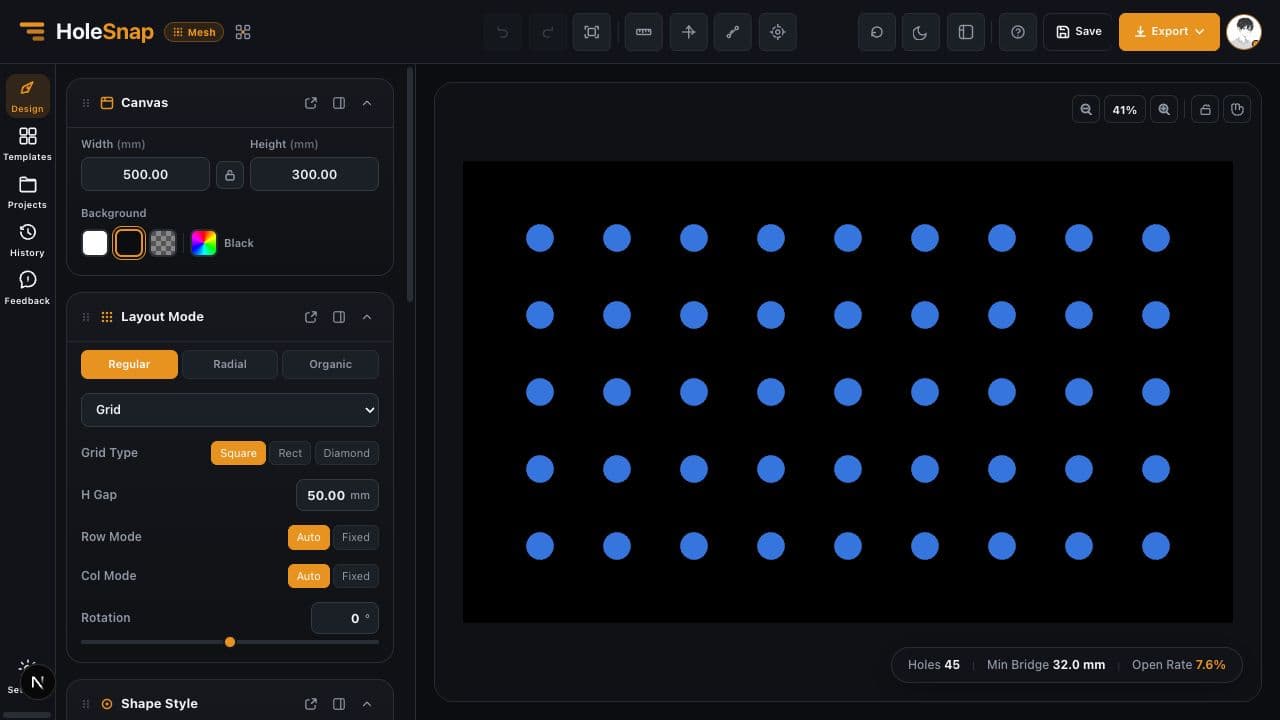
Create adjustable vector patterns with control over shape, size, spacing, density, angle, open area, and layout.
Explore MeshPattern design for fabrication
Create adjustable vector patterns in one browser workflow. Control shape, size, spacing, density, angle, open area, and layout, then export SVG, DXF, or STP instantly.
No install required · Open it in your browser · Try first, upgrade later

HoleSnap applications
Start with precise parameters, an organic flow, or an existing image, then turn the idea into an editable export.
Create adjustable vector patterns with control over shape, size, spacing, density, angle, open area, and layout.
Explore Mesh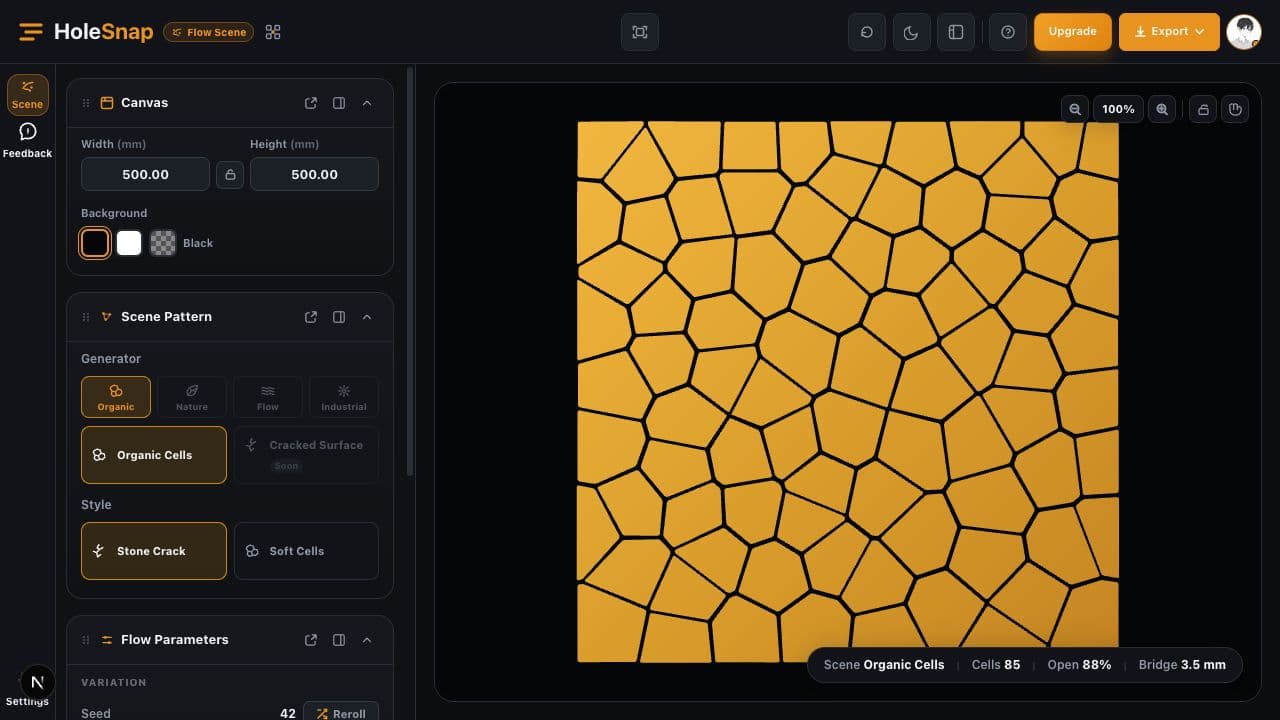
Generate organic cells, flow fields, and grille patterns, then export SVG or DXF.
Use Flow Scene
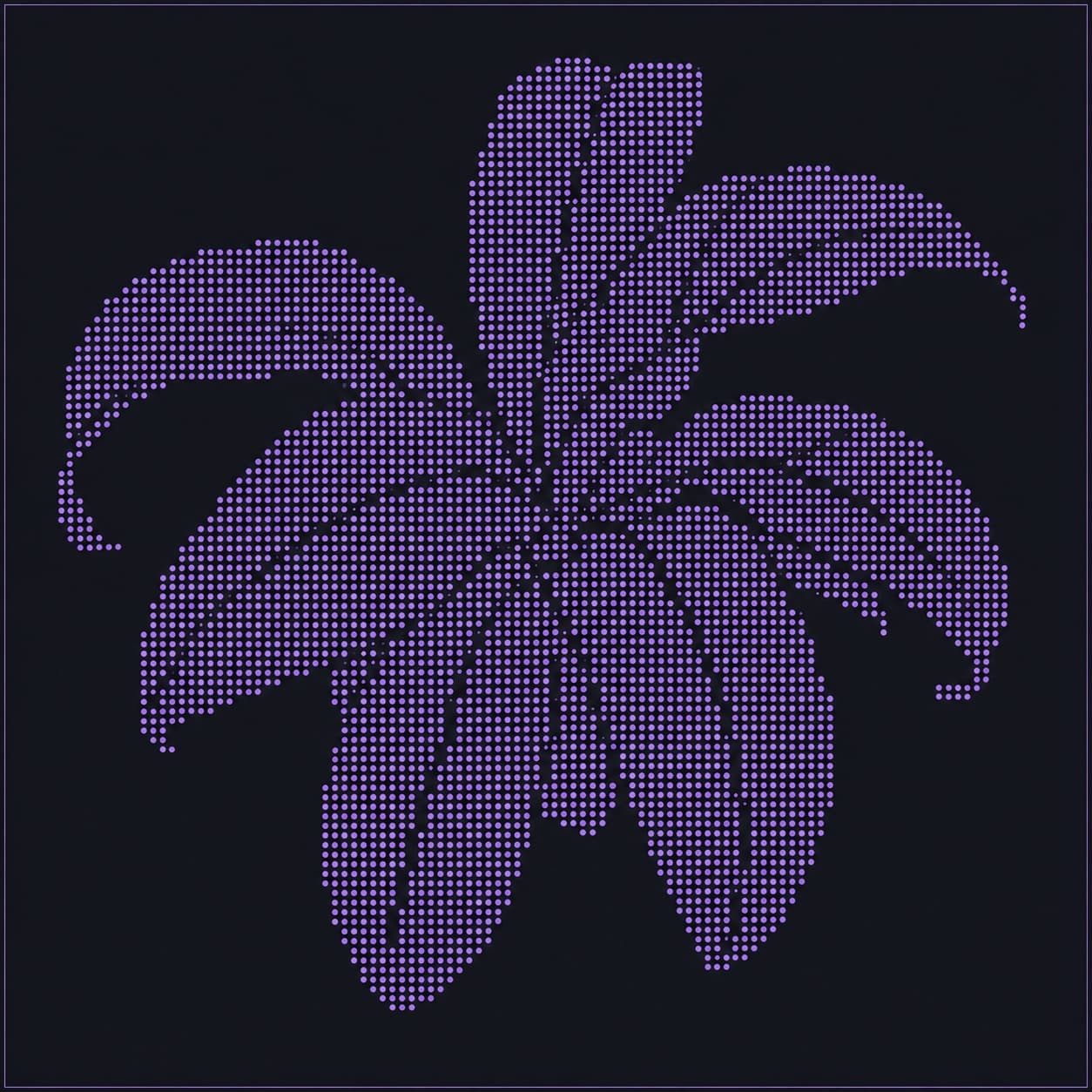
Start from an image, SVG, or logo and generate a pattern you can keep adjusting.
Use PatternTemplate Market
Start with a prepared pattern, then adjust shape, size, spacing, margins, and layout for your project.

SVG · DXF · STP
Open template ↗
SVG · DXF · STP
Open template ↗
SVG · DXF · STP
Open template ↗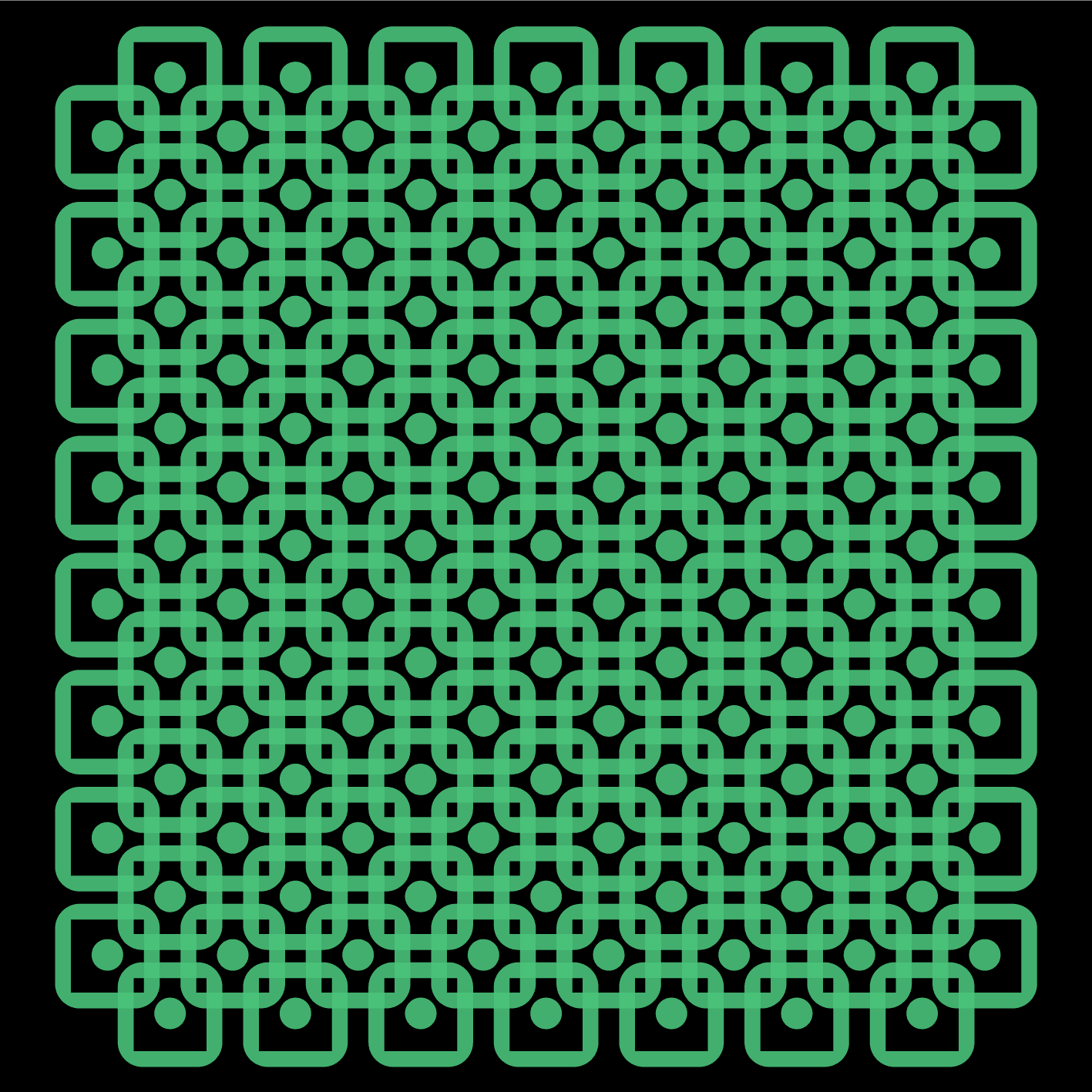
SVG · DXF · STP
Open template ↗Applications
Use HoleSnap for panels, grilles, screens, ventilation layouts, laser-cut parts, and fabrication-ready pattern work.
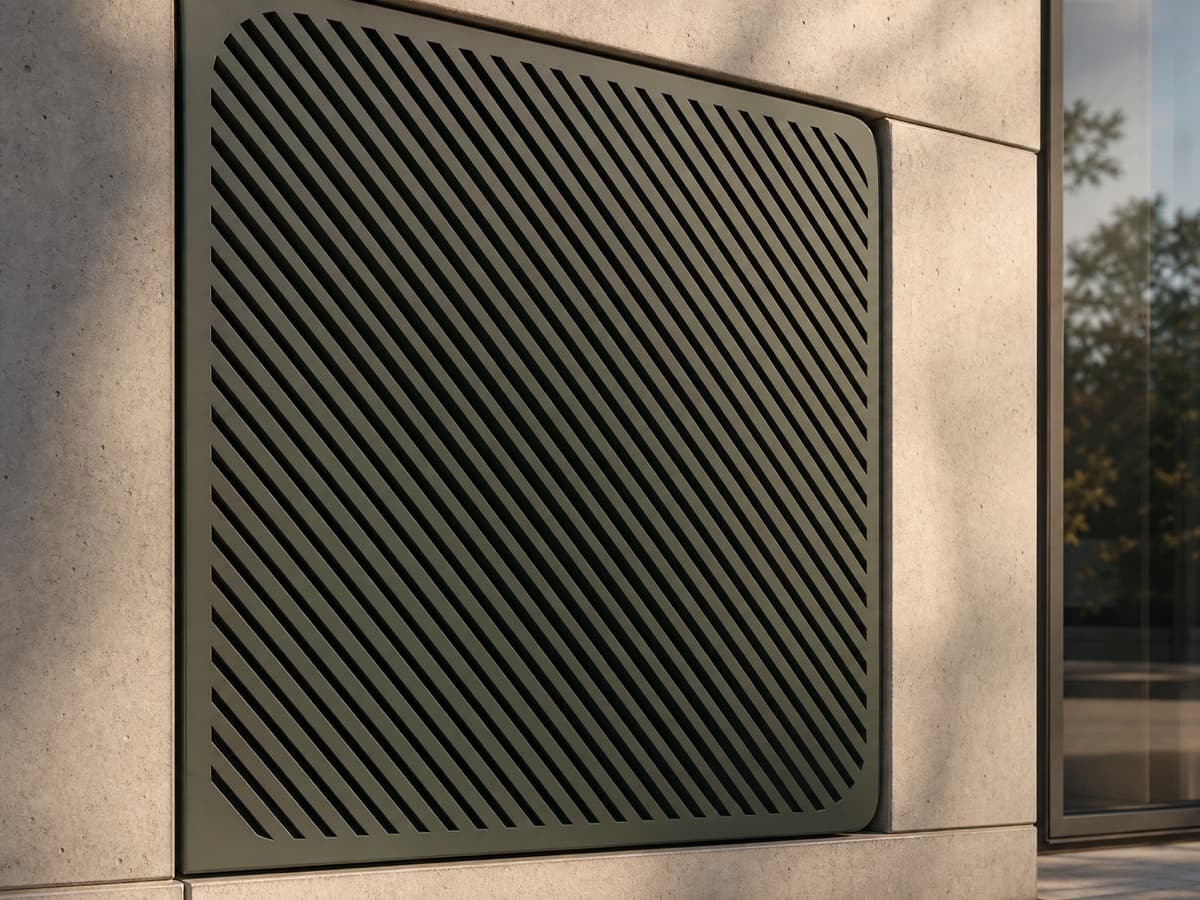
Use honeycomb or grid layouts and export DXF files ready for production

Combine Fibonacci or spiral layouts with density gradients for stronger visual control

Use star and ring shapes with boundary-based layouts for more expressive forms
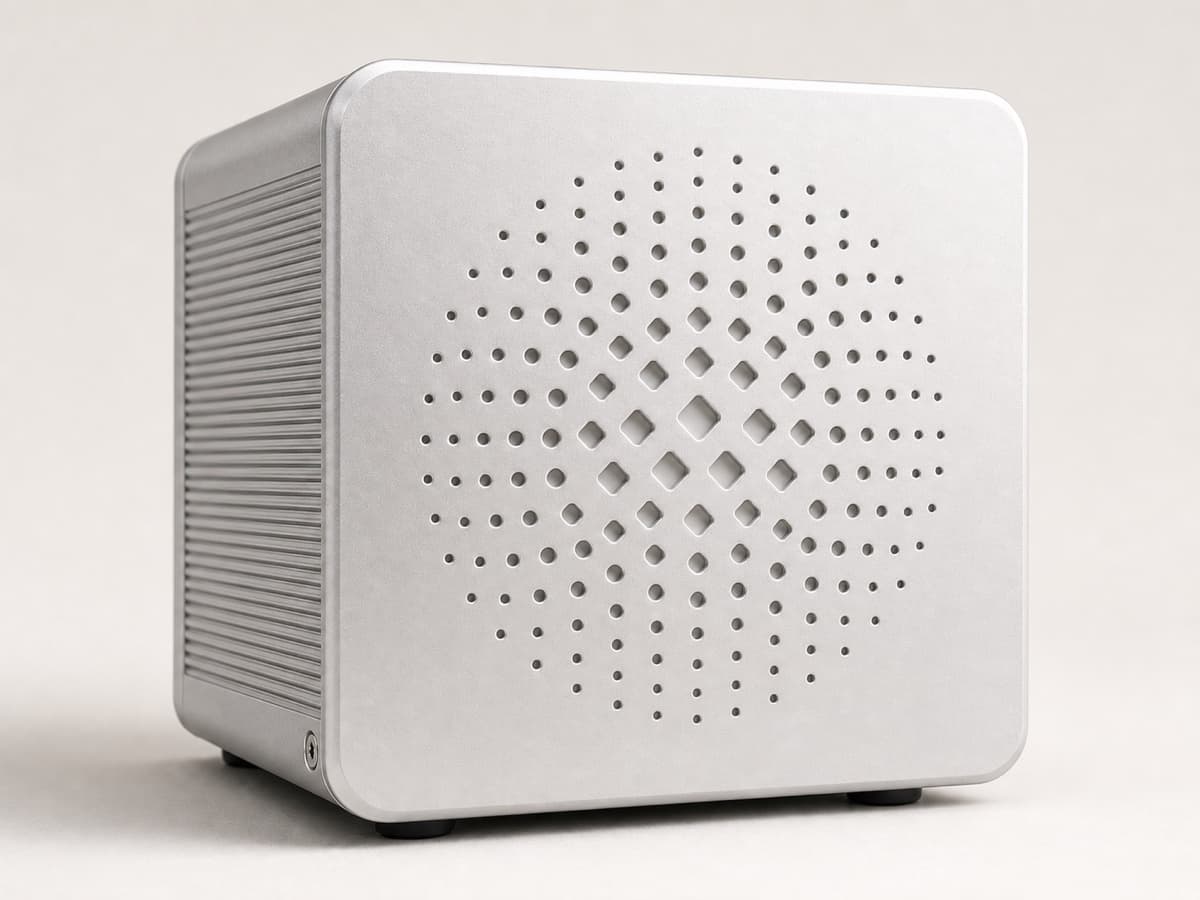
Precise mm inputs, layered DXF output, and STP validation in one flow
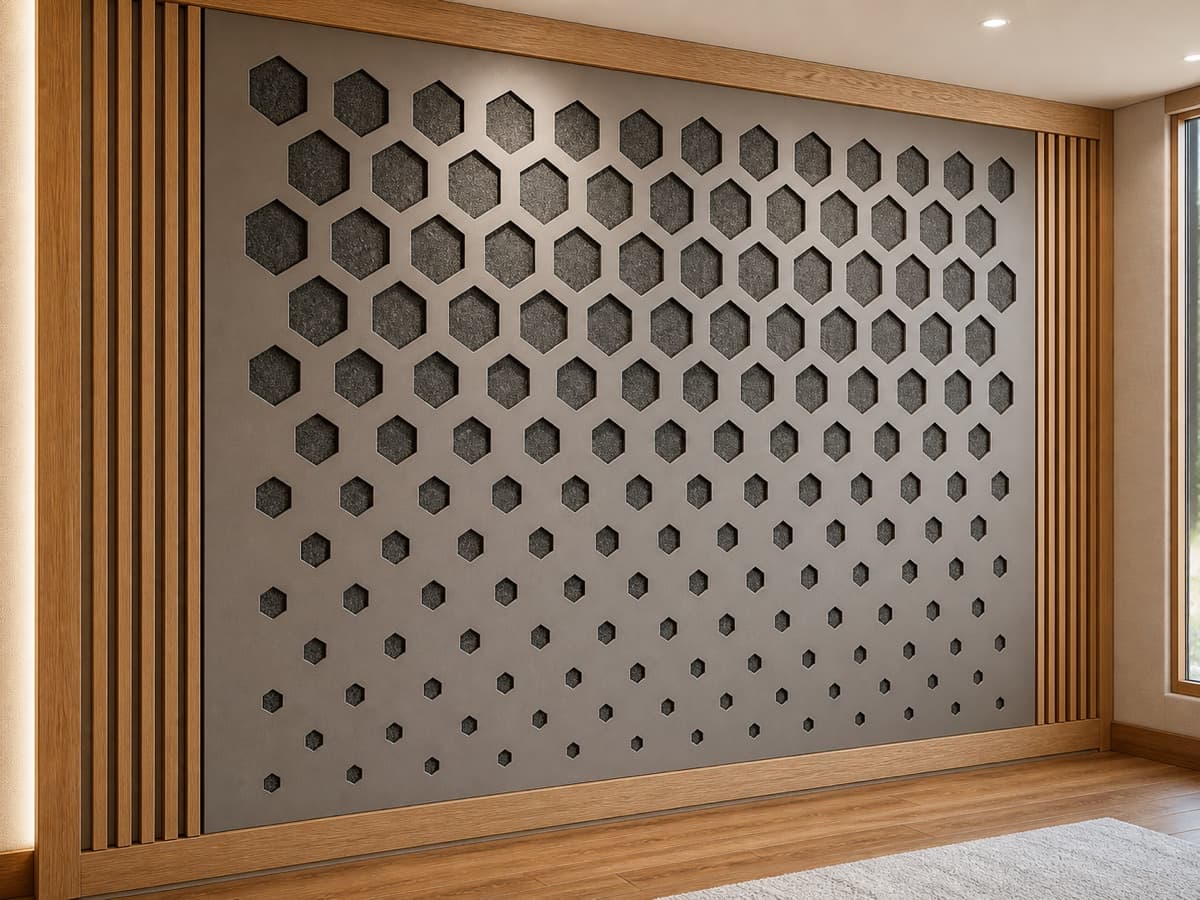
Add weight-saving perforations and export SVG / STP files for fast iteration
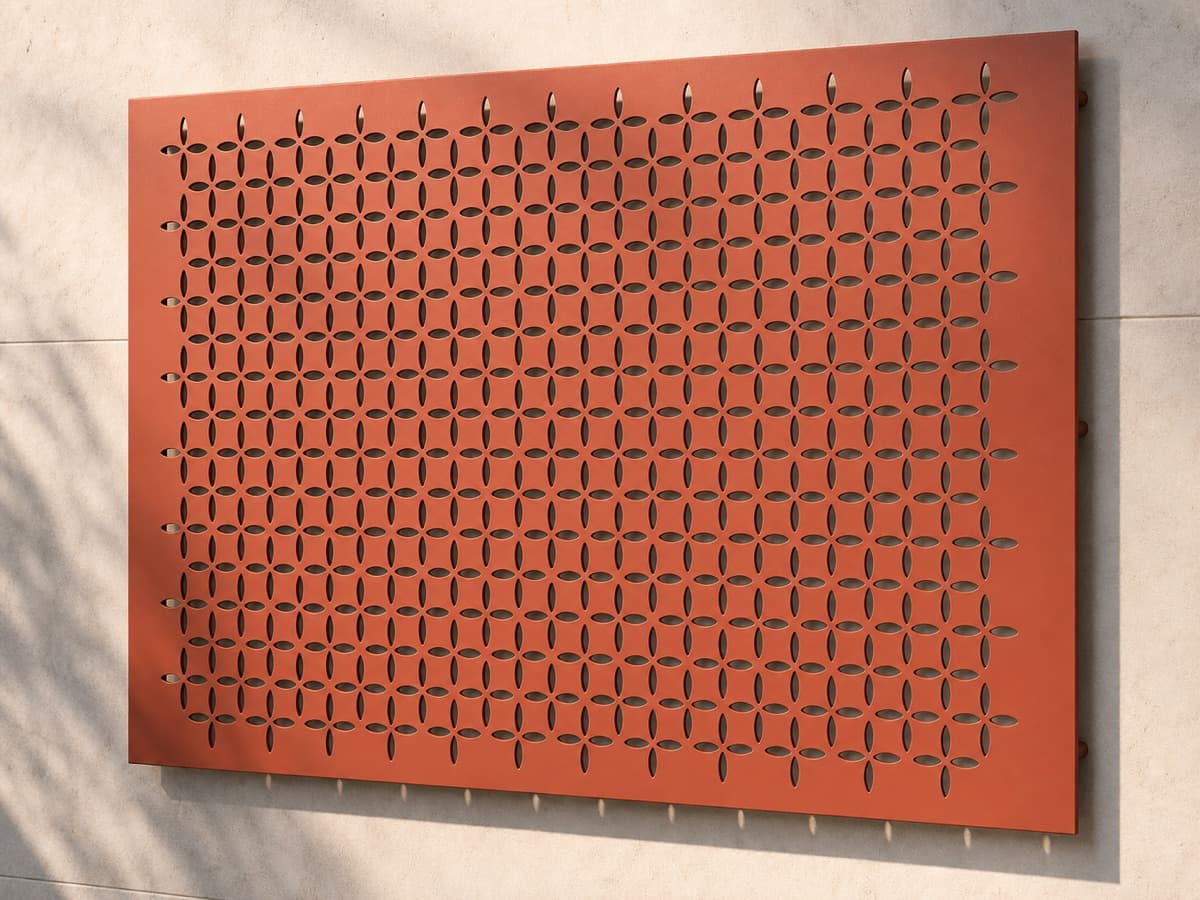
Blend gradient angles and shape variations to generate richer surface textures
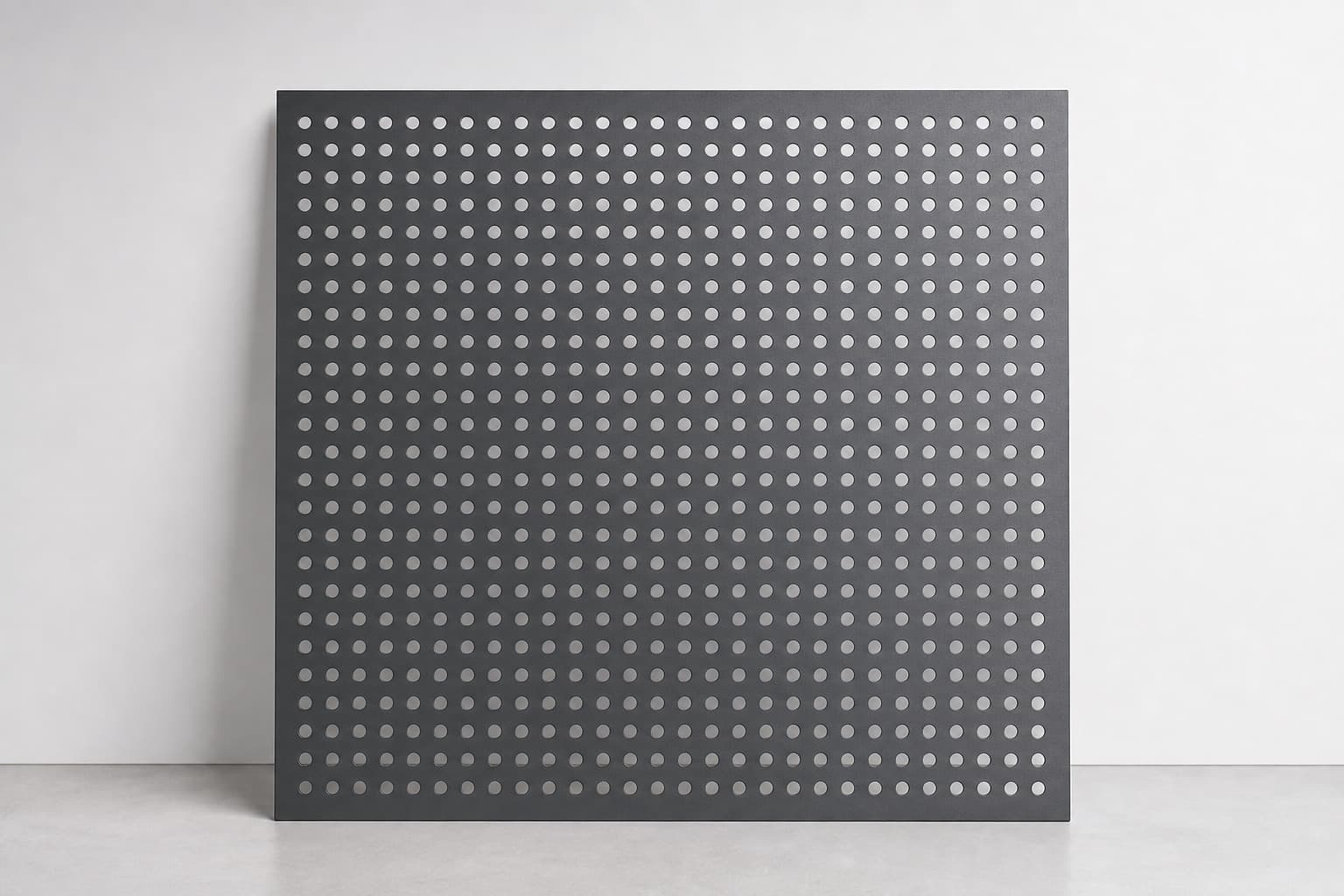
Build circle, square, diamond, or triangle arrays, check bridge width live, then export DXF
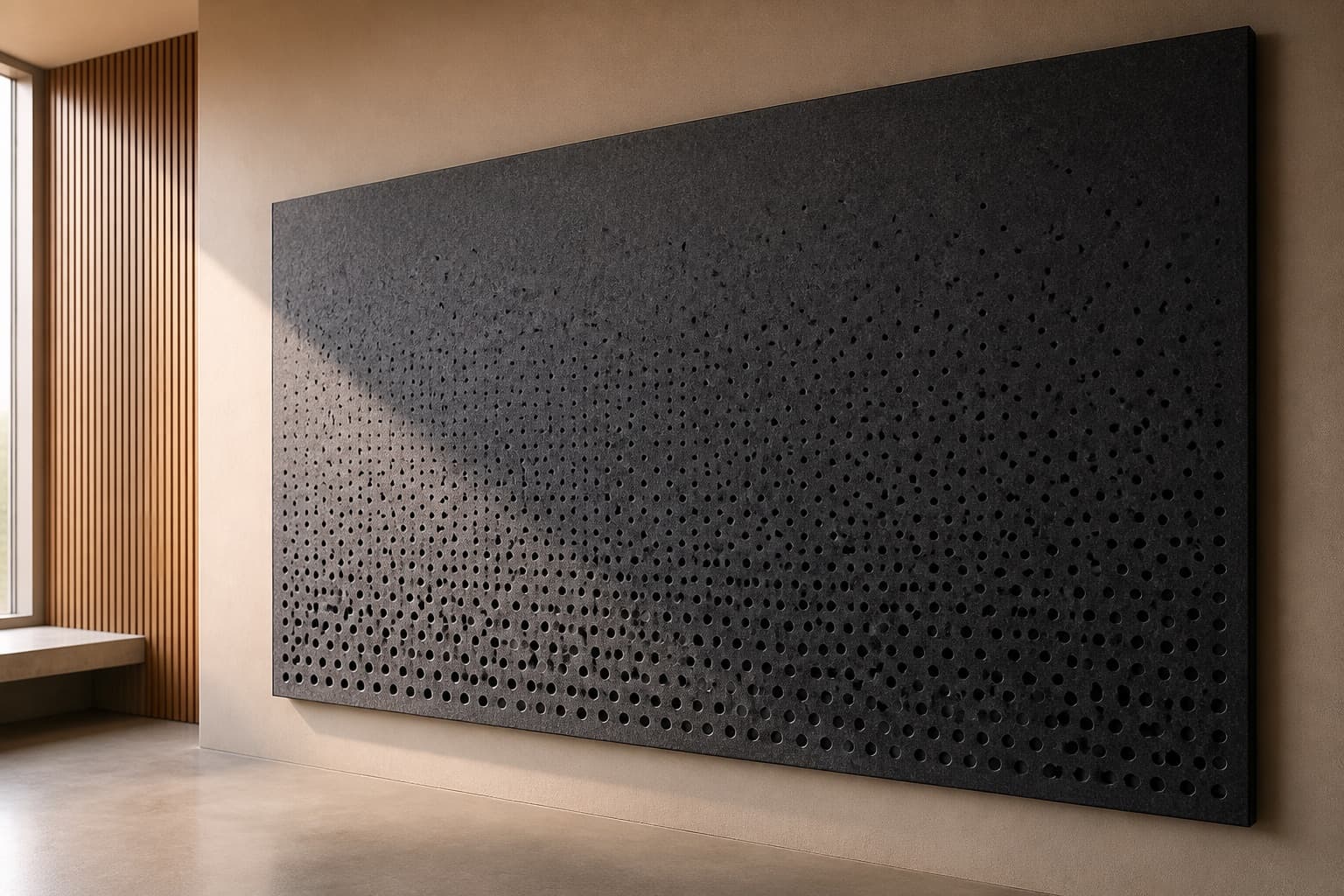
Prototype perforation density variations quickly for easier comparison
One shared workflow
Applications, templates, and tools offer different starting points, then lead into one clear production path.
Start from parameters, an image, organic geometry, or a ready-made template.
Enter material size in mm, choose a background, and define the working area
Pick a layout, adjust hole size, spacing, and gradients, and monitor hole count and bridge width live
Download DXF / SVG / STP files with a single click
FAQ
A quick guide to what HoleSnap creates, who it helps, what it exports, and how it differs from a simple conversion tool.
It creates adjustable patterns for perforated panels, grilles, screens, ventilation layouts, speaker grilles, texture work, industrial design, graphic design, fashion design, laser-cut parts, and CNC files.
The main editor supports SVG, DXF, and STP/STEP for CAD, laser cutting, CNC, and engineering validation.
No. Open area and bridge width are live checks; the core workflow is adjustable vector pattern generation.
Pattern design for fabrication
Use it for panels, grilles, screens, ventilation layouts, laser-cut parts, and engineering drawings. Start in the browser now, then save variants after signup and continue across devices.
Start Free